Find your place.
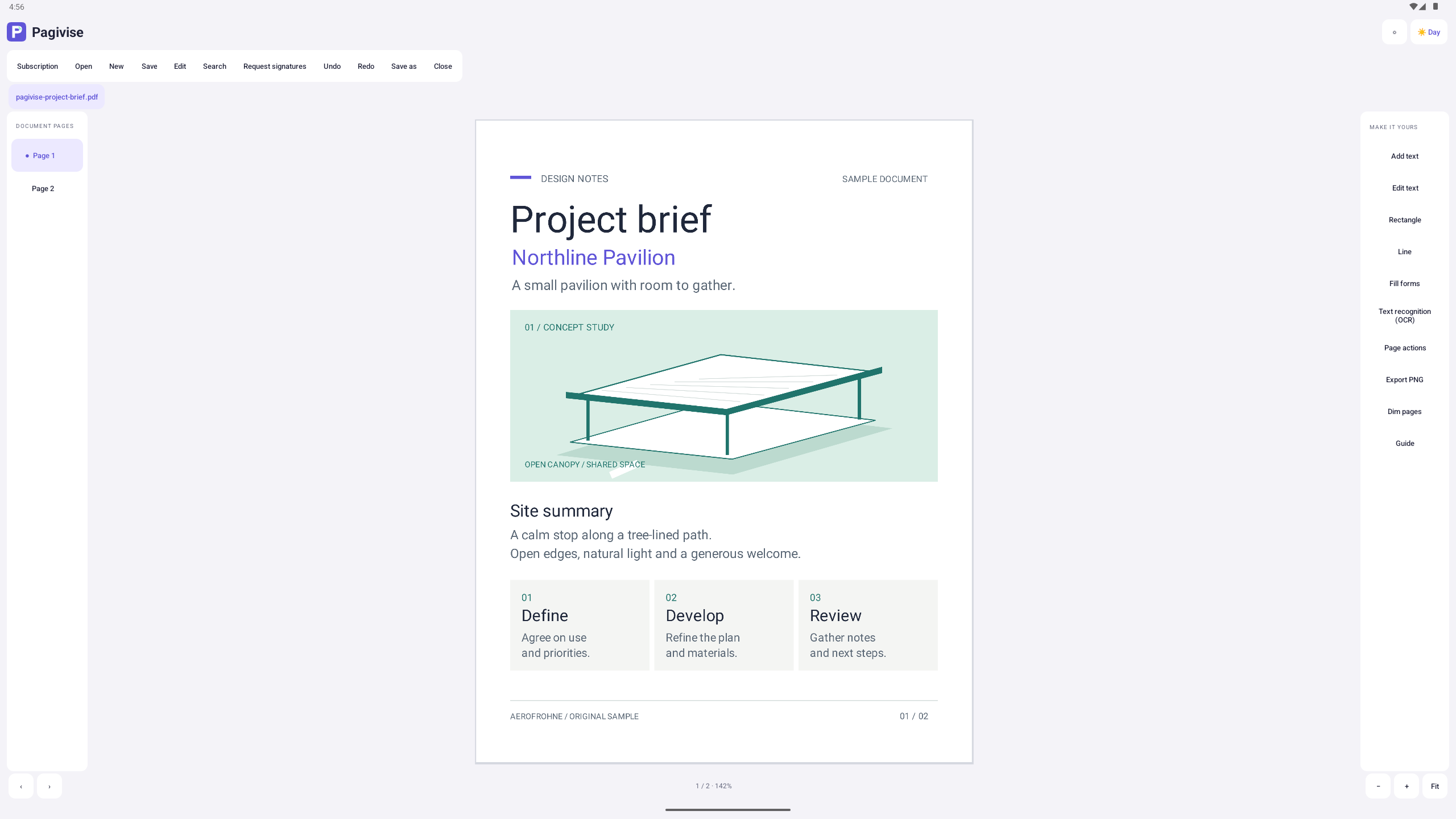
Open multiple document tabs, navigate pages, search supported selectable text, and zoom to fit. Choose Day or Night appearance and dim pages for reading.
A view that adapts to you Pagivise
ANDROID · PREVIEW
Read closely. Put pages in order. Make the changes your document supports. A focused workspace that fits the way you work.
Explore the toolsPreview release · Limited PDF compatibility
Monthly subscription required for document tools.
A WORKSPACE FOR THE DETAILS
Made for Android phones, tablets, and compatible Chromebooks, with touch, keyboard, mouse, and trackpad controls.
Open multiple document tabs, navigate pages, search supported selectable text, and zoom to fit. Choose Day or Night appearance and dim pages for reading.
A view that adapts to youEdit eligible simple text objects. Add separate text, rectangles, and lines. Fill supported single-line text fields and checkboxes, then save a new PDF copy.
Supported edits, with undo and redoInsert blank pages, rotate, reorder, duplicate, delete, or extract a page. Merge compatible PDFs or export the current page as a PNG.
Keep your original. Save your result.A SEARCHABLE LAYER
On-device OCR recognizes Latin, Chinese, Devanagari, Japanese, and Korean scripts. Review the recognized text before adding a searchable layer while preserving the scan.
OCR does not turn scans into editable paragraphs. Interface language availability does not imply OCR support for that language.
How Pagivise handles informationYour PDFs stay local when you open and edit them. Opening a PDF does not upload it to AeroFrohne. Google ML Kit sends separate usage and performance metrics. Any cloud storage you select through the file picker follows that provider’s settings.
KNOW THE PREVIEW
Pagivise is being prepared for its public Android release. Public download information will be added here when available.
PDFs vary. Some embedded fonts, complex layouts, encrypted documents, and form types are unsupported. Check compatibility warnings and saved results, and always keep your original files.
This preview does not provide general highlight or comment annotations, handwriting, printing, or secure redaction. Cropping leaves underlying content intact. Editing a digitally signed PDF can invalidate its signatures.
A limited pilot supports a restricted range of PDFs and requires explicit document upload approval. It uses typed electronic signatures, not certificate-based PDF signatures. Signing is not generally available simply by purchasing a subscription.
HERE TO HELP
For app support, privacy questions, or a data request, contact AeroFrohne. Please do not include passwords, verification codes, or sensitive PDFs in your first message.
info@aerofrohne.com